Free cross stitch pattern maker
Image to Cross Stitch Pattern Maker
Convert any photo into a stitch-ready cross stitch pattern with our free online tool. Works on any device, no downloads.
If you're looking for an easy, accurate, and flexible way to turn pictures into cross stitch designs, this photo to cross stitch pattern tool is built for you. Upload any image, fine-tune the details, and instantly see how your photo will look when stitched.
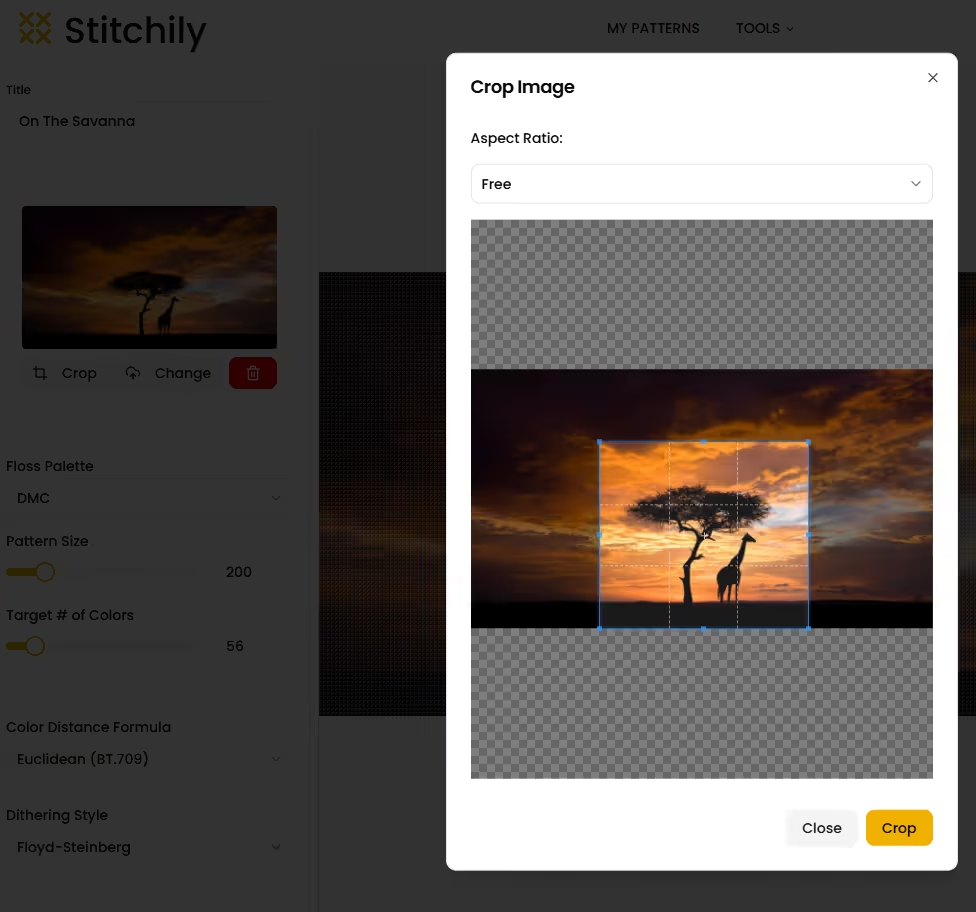
Upload Any Image
You can upload any picture of your choosing, including:
- Photos
- Illustrations
- Digital Artwork
- Logos and icons
Once uploaded, you can crop the photo directly inside the tool.
Create Large, Detailed Patterns
This image to cross stitch pattern tool supports patterns up to 1200 x 1200 stitches. That gives you the freedom to create a cross stitch chart as large as you need.
You stay in full control of how much detail you want.
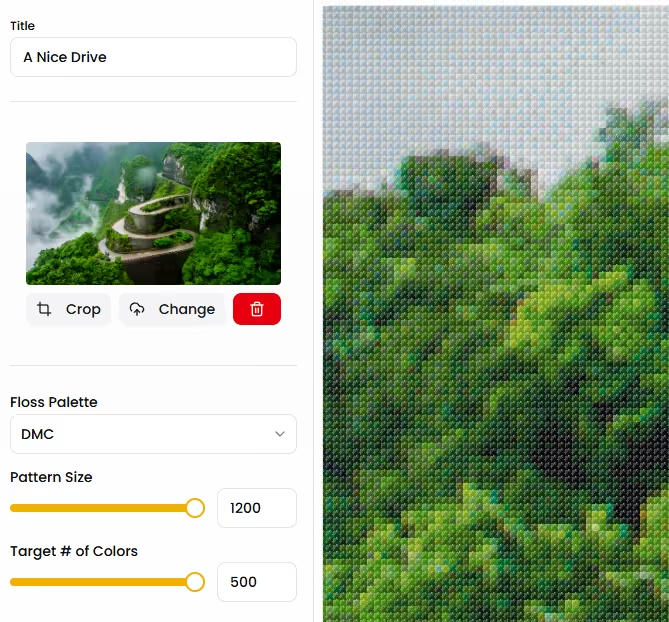
Full DMC Floss Color Range
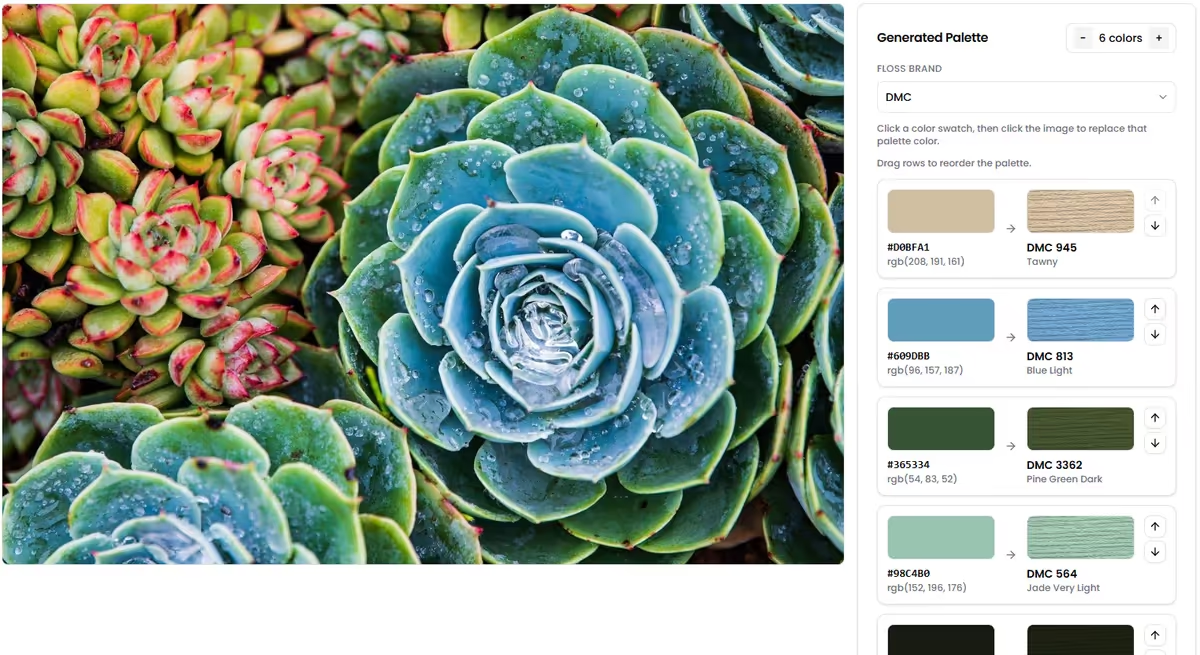
Color accuracy is one of the hardest parts of image-based patterns. This tool uses thefull range of DMC embroidery floss to represent your image as faithfully as possible.
There is no limit on the number of thread colors used in a pattern.
The color selection is powered by custom-built color matching algorithms designed specifically for cross stitch. Instead of simple color averaging, the system chooses thread colors that best match how stitches actually appear on fabric.
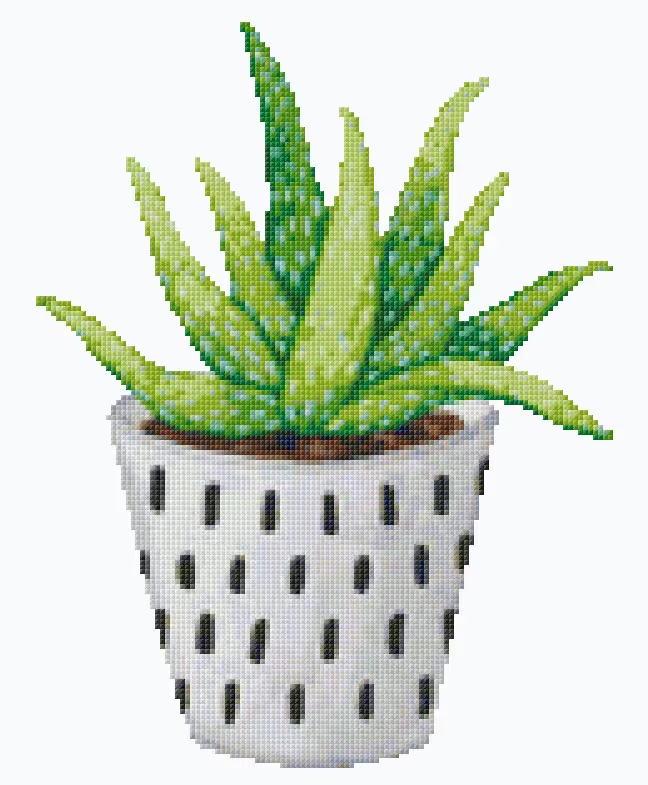
See the Pattern as Real Stitches
Instead of showing flat pixels, patterns are displayed as actual cross stitches. This visual preview helps you:
- Understand texture and density
- Spot problem areas early
- Feel confident before stitching
What you see is much closer to what you'll stitch.
Edit the pattern after creation
Once your image has been converted, you're not locked into the result. You can open the pattern in the freehand pattern editor to:
- Fix small details
- Change colors or symbols manually
- Add or remove elements
This combination of automation plus manual control gives you the best of both worlds.
Learn more about the freehand editor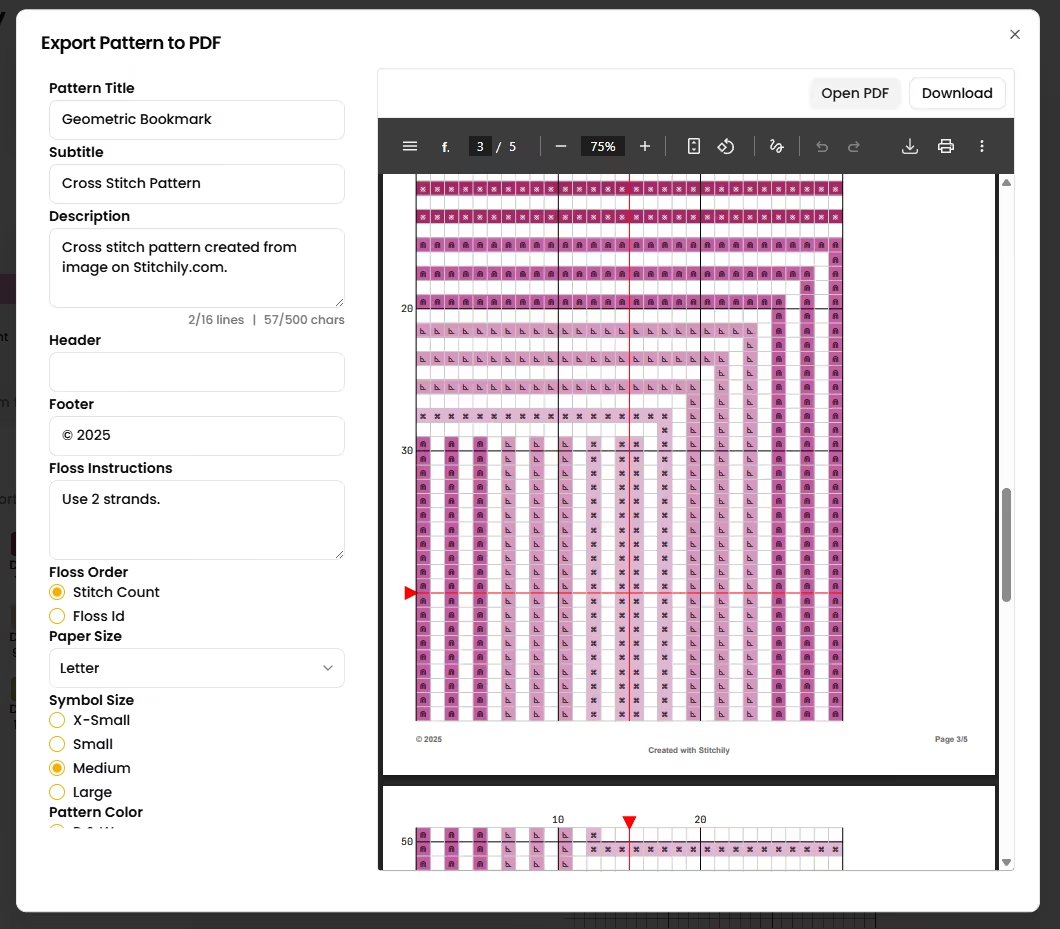
Download a customizable PDF pattern
When you're ready, you can download or save a printable PDF of your pattern. The PDF file includes:
You can customize the title, description, chart size, page size, color options, and more.
The PDF file includes:
- Clear stitch charts in color or black and white
- Full floss chart with symbols and stitch count
- Pattern map to make finding chart pages easy
This makes it easy to stitch from paper, a tablet, or a phone.
Frequently Asked Questions
Start turning images into cross stitch patterns today
If you want a powerful, flexible, and free way to convert photos into stitch-ready designs, this free cross stitch pattern tool gives you everything you need. Upload a picture, fine-tune the details, preview real stitches, and create a pattern you'll be proud to sew.
Explore More Tools
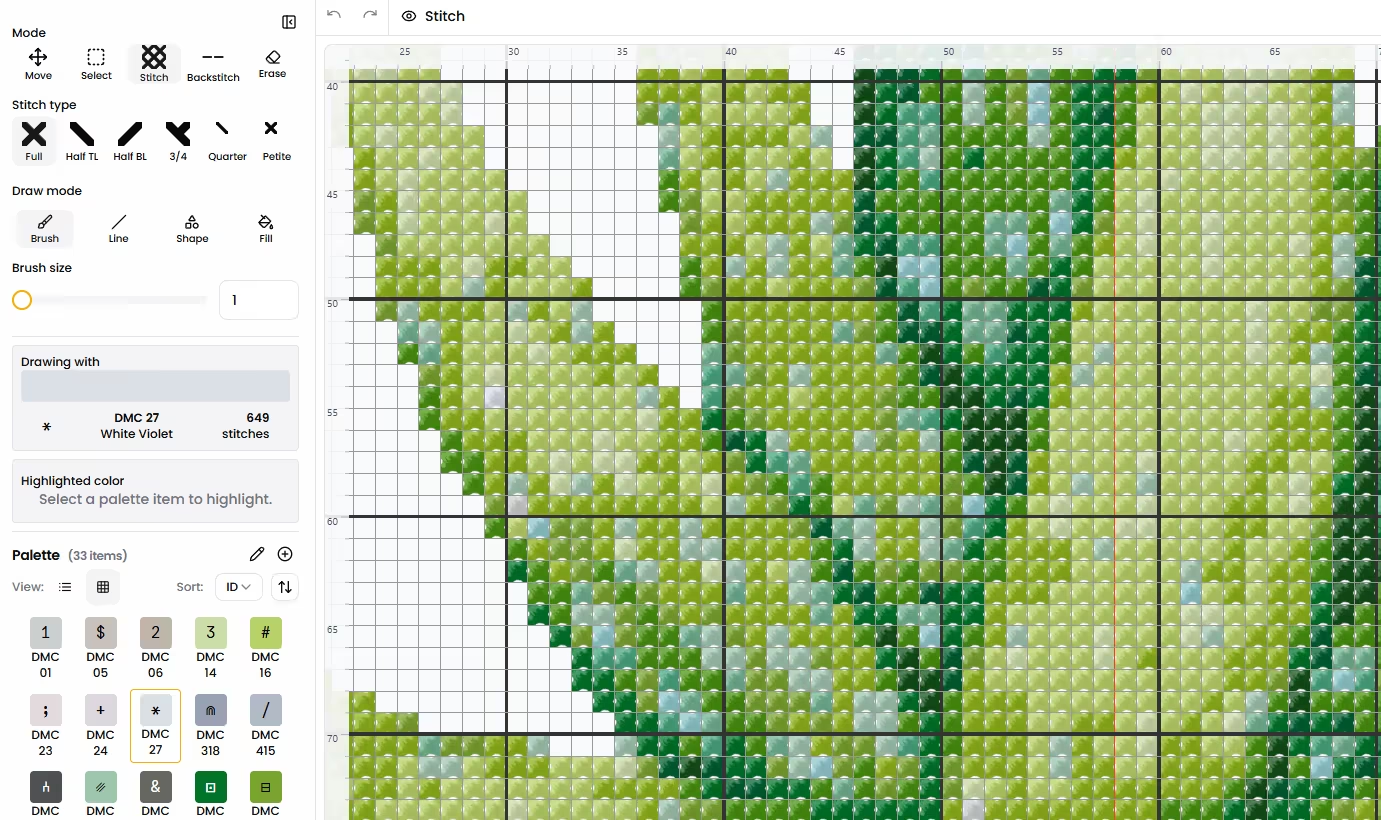
Pattern Designer
Sketch your own pattern on a blank grid and fine-tune it stitch by stitch.
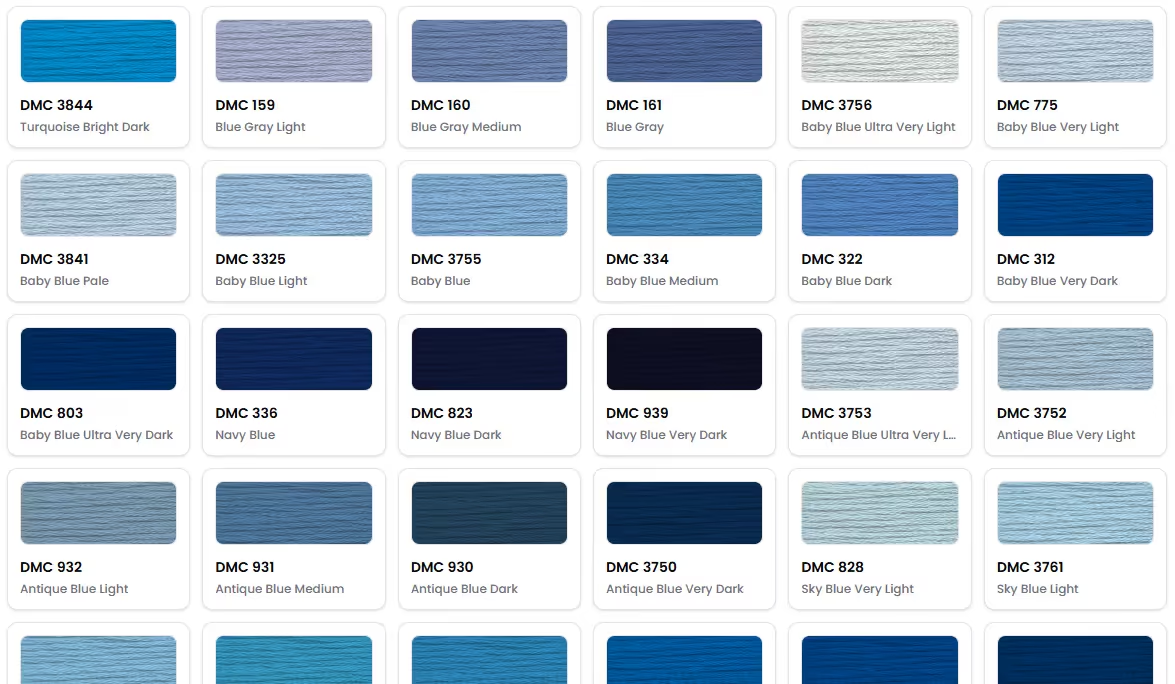
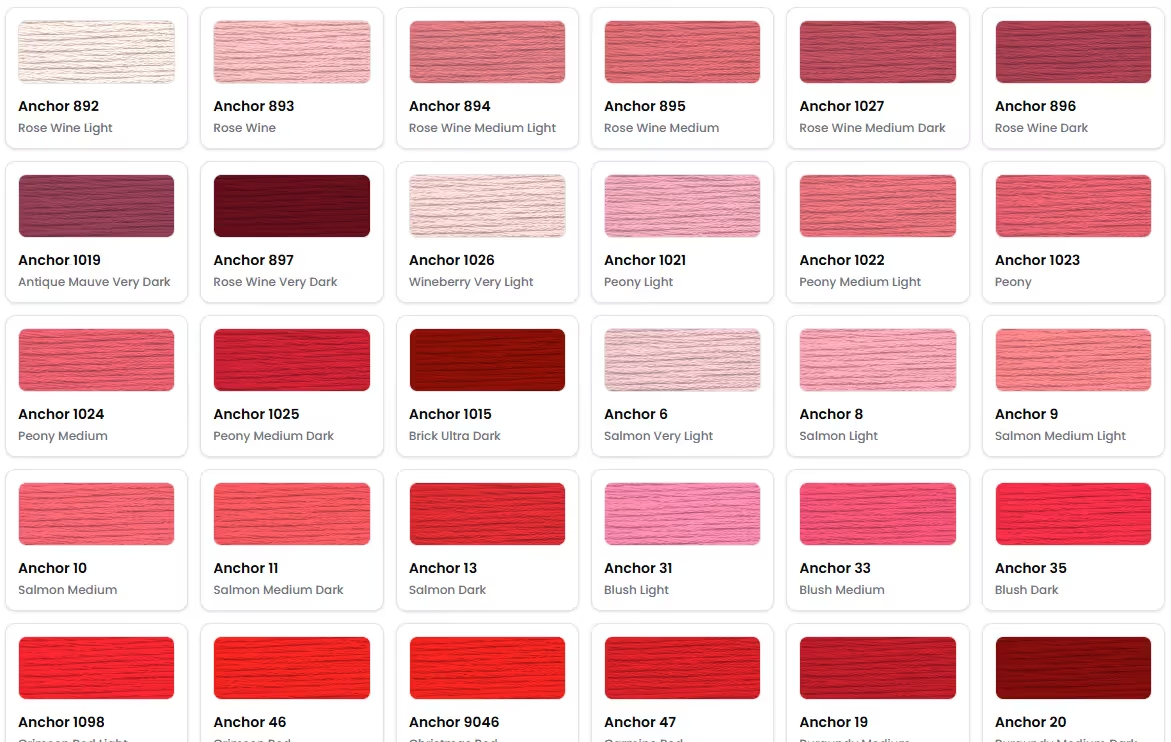
Anchor Color Chart
Explore the full Anchor color chart, build custom thread palettes, and discover color substitutes for your next cross stitch project.
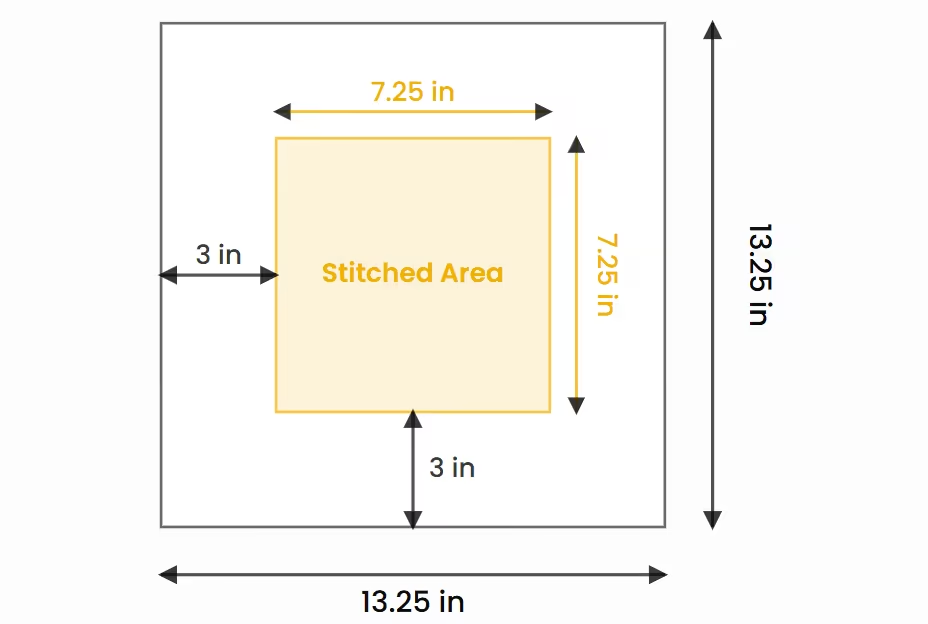
Fabric Size Calculator
Calculate finished dimensions and fabric requirements from stitch counts.
Floss Palette Generator
Transform your favorite photos into inspiring embroidery floss palettes ready for your next stitching project.