Project Planning
Cross Stitch Fabric Calculator
Enter your stitch count, fabric count, and margins to instantly find the perfect fabric size for your project.
Starting a new project? Our cross stitch fabric calculator helps you figure out exactly how much fabric you need before you make that first stitch. Instead of guessing or doing complicated math, simply enter your stitch count and fabric count to get accurate dimensions in seconds. Whether you're working on Aida, linen, or evenweave, this tool ensures you leave enough margin for framing or finishing. It’s quick, beginner-friendly, and perfect for large full-coverage pieces or small seasonal designs. Use the cross stitch calculator below to plan smarter and stitch with total confidence from the very beginning.
Project Details
Your Fabric Size
Other Counts
| Count | Stitched Size (in) | Cut Size (in) |
|---|---|---|
| 11-count | 9.25 x 9.25 | 15.25 x 15.25 |
| 14-count | 7.25 x 7.25 | 13.25 x 13.25 |
| 16-count | 6.25 x 6.25 | 12.25 x 12.25 |
| 18-count | 5.75 x 5.75 | 11.75 x 11.75 |
| 20-count | 5 x 5 | 11 x 11 |
| 22-count | 4.75 x 4.75 | 10.75 x 10.75 |
| 25-count | 4 x 4 | 10 x 10 |
| 28-count | 3.75 x 3.75 | 9.75 x 9.75 |
| 32-count | 3.25 x 3.25 | 9.25 x 9.25 |
Choosing your fabric is about more than just aesthetics. It also determines how big your finished piece will be. This cross stitch calculator takes the guesswork out of planning your next project so you can spend less time calculating and more time stitching!
Let's start with the basics
Every cross stitch pattern can technically be stitched on any count of fabric. The only thing that changes is the final size of your design.
To calculate the finished size of your cross stitch project, use the following formula:
- Width (inches) = Number of stitches wide / count
- Height (inches) = Number of stitches high / count
For example, a pattern that is 100 stitches wide and 100 stitches high, stitched on 14-count Aida, will be approximately 7.14 inches wide and 7.14 inches high (100 / 14 = 7.14). If stitched on 18-count, it would be 5.56 inches wide and high (100 / 18 = 5.56). The same exact pattern is almost 2 inches smaller in both directions when stitched on a higher count fabric.
Understand your Fabric Count
Fabric count refers to how many stitches fit into one inch of fabric. For example, 14-count Aida means you’ll stitch 14 stitches per inch, while 18-count fabric fits 18 stitches per inch, creating smaller, more detailed results.
The Importance of a Border
To select the right size fabric, you’ll need to plan for extra fabric around the edges. Why? Because you don’t want your stitches to run right up to the edge of your fabric. Fabric edges can unravel over time, and stitches placed too close to the edge can loosen or become distorted.
It is generally recommend to add at least 2 to 3 inches of extra fabric on each side, though some stitchers like to play it even safer with 4 inches, especially if they’re planning to frame it. This border serves several important purposes:
- Framing: Provides ample fabric to mount and frame your finished piece.
- Handling: Allows you to hold and manipulate the fabric without damaging the stitching.
- Finishing: Gives you extra fabric to work with when finishing the edges (e.g., hemming, serging).
Failing to leave an adequate border can make framing difficult or impossible, and increase the risk of damaging your hard work. It is much easier to trim extra fabric than to add more later!
To calculate the required fabric size, add the desired border to the finished stitched area. For example, if your design is 7.14 x 7.14 inches, and you want a 3-inch border on all sides, you will need a piece of fabric that is at least 13.14 x 13.14 inches (7.14 + 3 + 3 = 13.14).
Why You Need This Cross Stitch Calculator
Cross stitch patterns list stitch counts, not fabric size. That means you need to convert stitch dimensions into inches (or cm) based on your fabric count (like 14 count Aida or 28 count linen).
How to use this calculator
- Enter your pattern stitch count (width x height).
- Choose your fabric count (for example, 14-count Aida or 32-count linen).
- Select whether you are stitching over 1 or over 2.
- Set your preferred border size.
- Use the result to cut fabric with enough margin.
Whether you are stitching a tiny ornament or a full-coverage project, this tool helps you plan with confidence before you start.
FAQ
Explore More Cross Stitch Tools
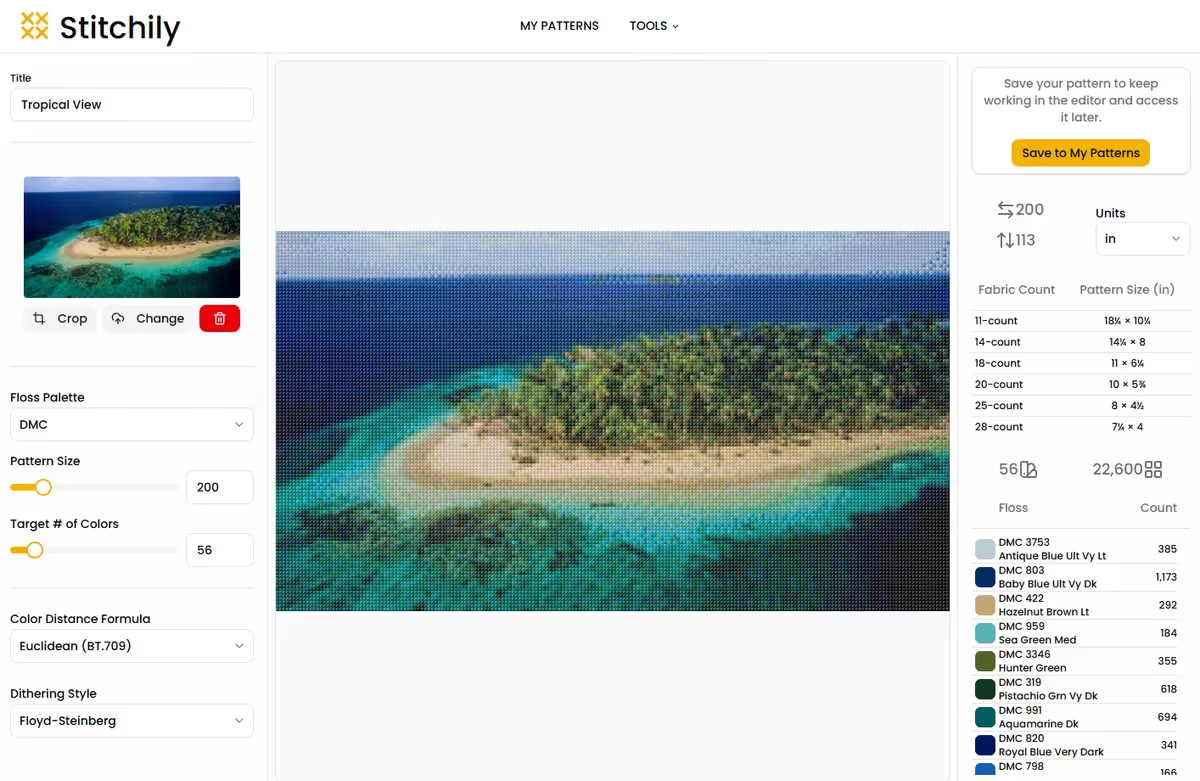
Image to Pattern
Turn any photo into a stitchable pattern with guided settings and floss matching.
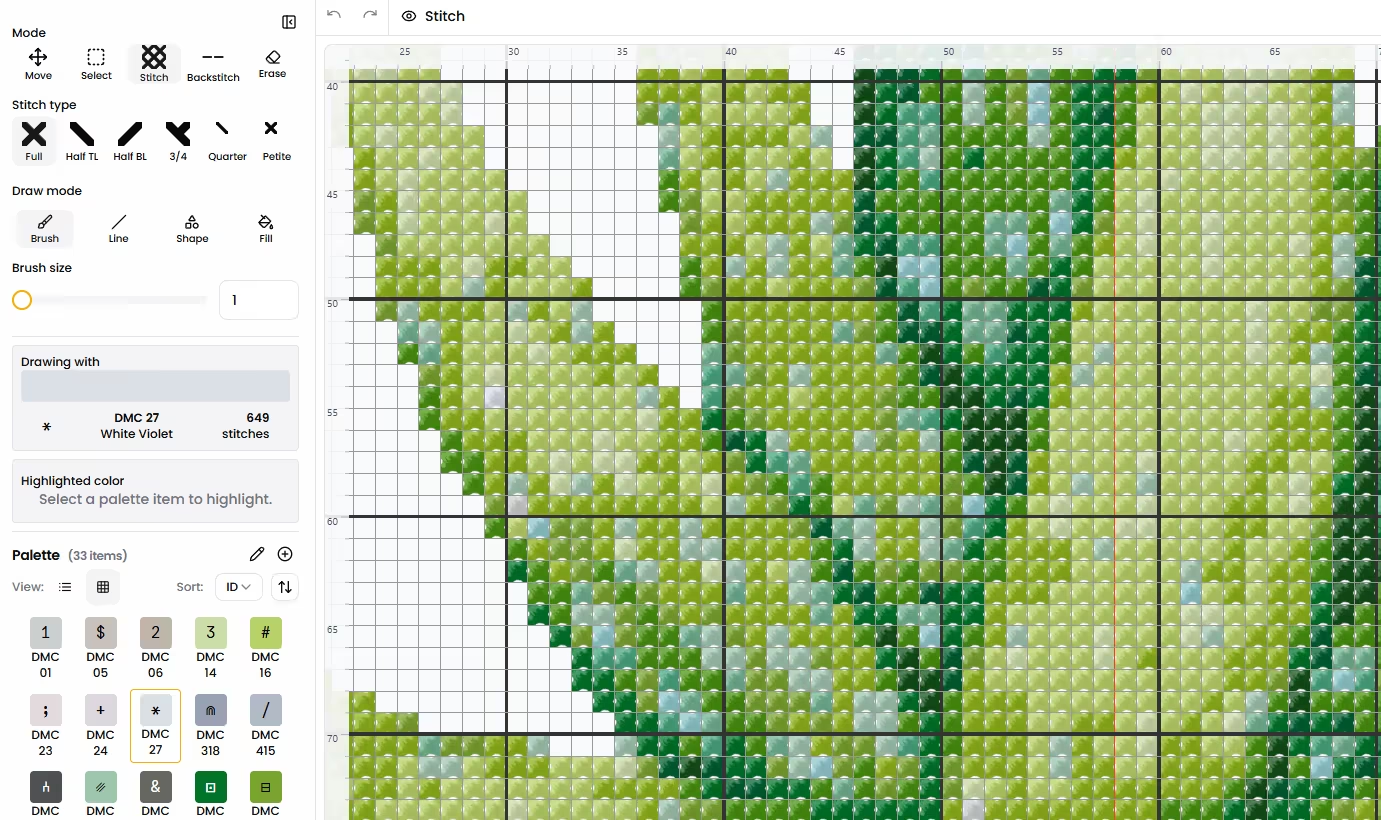
Pattern Designer
Sketch your own pattern on a blank grid and fine-tune it stitch by stitch.
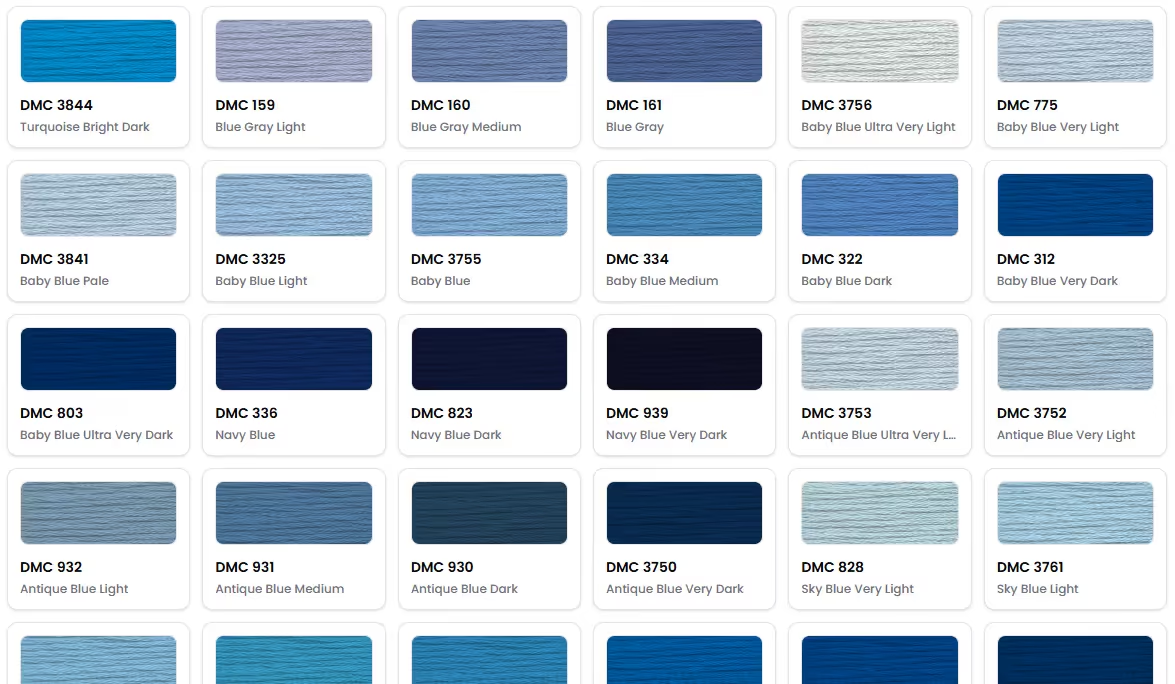
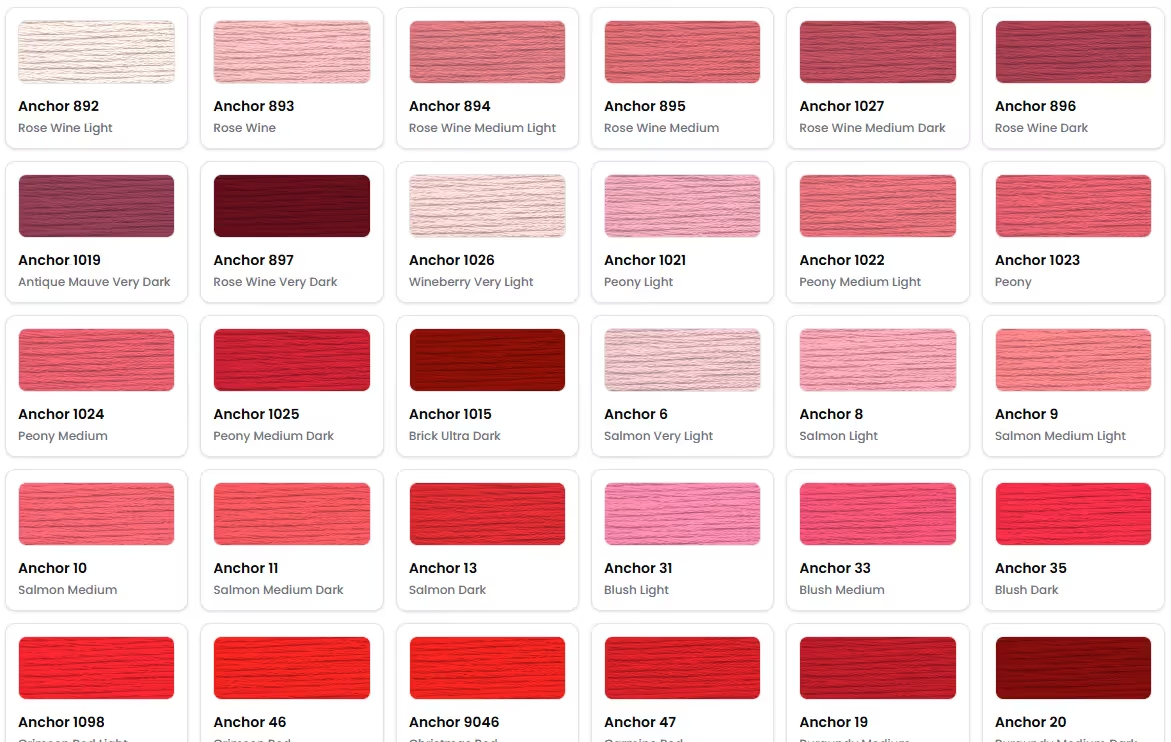
Anchor Color Chart
Explore the full Anchor color chart, build custom thread palettes, and discover color substitutes for your next cross stitch project.
Floss Palette Generator
Transform your favorite photos into inspiring embroidery floss palettes ready for your next stitching project.